Tag: Microsoft clarity
All blog posts with this tag.
- 04 May, 2026
Session replay and CNIL: what teams should verify after the 2026 consultation
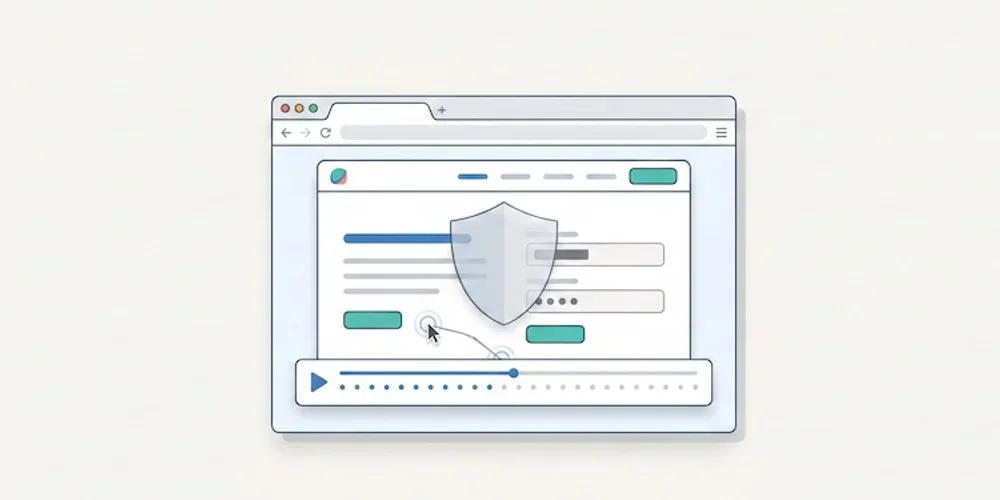
On February 25, 2026, the CNIL opened a public consultation on a draft recommendation for session replay tools. The consultation period ended on April 22, 2026. As of this article's publication date, teams should treat the draft as a strong warning signal while monitoring the final recommendation. Session replay tools are not ordinary audience-measurement tools. They can record detailed interactions: scrolling, clicks, form behavior, interface hesitations and sometimes typed content if masking is incomplete. That level of detail creates a different risk profile from aggregated traffic statistics. The practical consequence is simple: product, marketing and support teams should not activate session replay as a casual dashboard add-on. It needs a documented purpose, minimization settings, masking, access control, retention limits and a clear decision on when recording is allowed. What makes session replay sensitive Session replay can help diagnose UX issues, broken forms or confusing flows. But the same recording can reveal personal data, sensitive fields, account context or unexpected behavior. A misconfigured tool can collect more than the team intended. That is why the CNIL draft focuses on proportionality and safeguards. The useful question is not whether a vendor is popular. It is whether your configuration actually limits what is captured, who can view it and how long it remains available. A launch checklist for teams Before enabling session replay, review these points:define the exact purpose: UX debugging, support investigation, quality assurance or another documented need; disable recording by default on sensitive pages and authenticated areas unless there is a validated reason; mask form fields, free-text inputs, account data and any field that can contain personal or sensitive information; limit the share of sessions recorded instead of recording every visit; restrict access to named roles and audit who can view recordings; set a short retention period and delete recordings after the operational need ends; document the tool, provider, transfers and retention in your privacy materials; verify that the recording state follows your consent and preference-management setup; keep a rollback procedure to disable recording quickly if a leak or spike is detected.How this differs from Pomelo's core analytics Pomelo's launch positioning is deliberately different. The default analytics model is cookieless, minimal and report-oriented. It is designed to answer operational questions with aggregate data, not to replay individual user journeys. That distinction matters. Session replay can be useful in a narrow debugging workflow, but it should not be confused with privacy-first audience measurement. For most SME, SaaS and multi-site teams, the baseline analytics stack should remain lighter than a recording tool. What to do now If you already use Hotjar, Microsoft Clarity, FullStory or a similar tool, run a short audit before launch:list every page where recording is active; inspect the last 20 recordings for accidental personal data capture; review masking rules with a non-technical stakeholder; confirm retention and access controls; decide whether the tool is still needed permanently or only during limited research windows.If the team cannot explain why recordings are necessary, it is safer to disable them until the purpose and safeguards are documented. Sources Sources checked on May 9, 2026.CNIL, Session replay consultation, February 25, 2026 CNIL, Cookies and audience measurement solutions Hotjar, Privacy and security Microsoft Clarity, Privacy overview