Search Console and generative AI: how to read the new reports without overinterpreting impressions
Google Search Console is becoming more useful for understanding visibility in generative search experiences. In June 2026, Google announced new reports dedicated to how pages appear in generative AI features in Search, such as AI Overviews and AI Mode, as well as some generative AI features in Discover.
For SEO teams, this matters. It does not, however, turn Search Console into an attribution tool. An impression in a generative feature does not mean that someone visited your site, read your content, or identified you as the main source. It is a visibility signal. It becomes useful when it is interpreted carefully, compared with actual clicks, and connected to sessions measured on your site.
The goal is not to create a new vanity metric. The goal is to understand what this visibility means, what it does not mean, and how to include it in SEO and analytics reporting without blurring the measurement layers.
What changed in Search Console
On 3 June 2026, Google announced new Search Console performance reports dedicated to generative AI. The reports are designed to help site owners understand how their pages appear in Google Search generative AI features. Google also states that this data remains included in the overall performance reports, while the new view isolates generative visibility.
Google rolled the reports out worldwide on 31 August 2026. Their absence should therefore be investigated as an access, configuration or reporting issue rather than treated as the normal initial rollout state.
The reports can show:
- impressions for URLs appearing in generative AI features;
- the pages involved;
- countries;
- devices, where available for Search;
- dates, with several time granularities; Search Console dates use Pacific Time.
These fields are useful, but they do not replace classic Search Console or analytics metrics. They add a layer: visibility inside an interface where the answer is often summarised before a click happens.
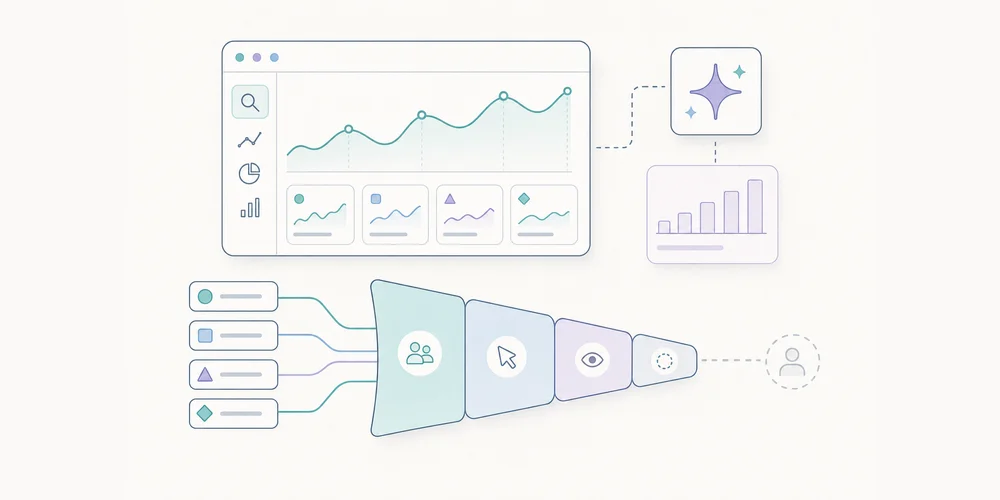
AI impression, click and session are different signals
A frequent mistake is to merge three separate levels of measurement.
An AI impression means that one of your URLs appeared in a generative feature according to Google’s reporting methodology. It is a signal of presence in the search interface.
A click means that a user selected a link to your site. It is a potential transition from Google to your site.
An analytics session means that a visit was observed on your site by your analytics tool, according to its own collection, filtering and deduplication rules.
These signals can move differently. A page can gain impressions in AI Overviews without gaining clicks. A page can receive more clicks from Google while analytics sessions do not increase as expected because referrers, redirects, parameters or filters distort the view. Conversely, a drop in sessions does not automatically mean a drop in search visibility.
The useful approach is to keep the three levels separate, then reconcile them only when there is a clear diagnostic question.
How Google counts AI Mode and AI Overviews
Search Console documentation reminds site owners that counting rules vary by feature. For AI Mode, clicks, impressions and position are recorded using the usual Search Console methodology. If a user asks a follow-up question in AI Mode, that follow-up is counted as a new query.
For AI Overviews, standard Search Console impression rules apply. The visibility-after-scrolling or expansion rule applies only to the independent widgets for which Google documents it. Links in the same AI Overview may also share the same position in reporting.
These details matter. They explain why average position should not be read like a classic organic ranking. Appearing in a generative block is not the same format as a blue link, a carousel, a featured snippet or a local result.
What not to conclude too quickly
The first trap is to call every generative impression “AI traffic”. Until there is a click, it is not traffic to your site. It is visibility in a search interface.
The second trap is to compare generative impressions and classic web impressions as if they belonged to the same inventory. The spaces are different, the displays are different, and user journeys do not create the same click-through behaviour.
The third trap is to isolate a single indicator. More impressions can be good if they involve strategic pages. They are less useful if they relate to low-intent queries, irrelevant countries or pages that do not support the business.
The fourth trap is to ignore measurement incidents. Search Console has a data anomalies page. It should be checked before attributing a curve break to an SEO or product change.
A simple method for reading the report
Start with a reference period. Avoid drawing conclusions from one isolated week, especially if the report has just appeared or volumes are low. A four-to-eight-week window is more useful when enough data is available.
Then separate pages into three groups:
- acquisition pages, such as articles, comparisons and guides;
- conversion pages, such as product, pricing or demo pages;
- support or brand pages, which often respond to already-qualified queries.
For each group, compare generative impressions, Search Console clicks and organic sessions measured on your site. The diagnostic is useful only if you can state a clear hypothesis.
Examples:
- AI impressions increase, but clicks stay flat: your content is visible in the answer, but not necessarily driving site visits;
- clicks increase, but sessions do not: check referrers, redirects, parameters and analytics filters;
- impressions drop on a few pages only: check queries, country, device and content changes;
- all impressions drop suddenly: check Search Console anomalies first, then investigate SEO hypotheses.
How to report it monthly
In a monthly report for leadership or marketing teams, avoid a single line called “Google AI traffic”. It mixes too many realities.
A clearer structure is:
- Google generative visibility: Search Console impressions in AI features, when available.
- Google organic traffic: Search Console clicks and analytics sessions.
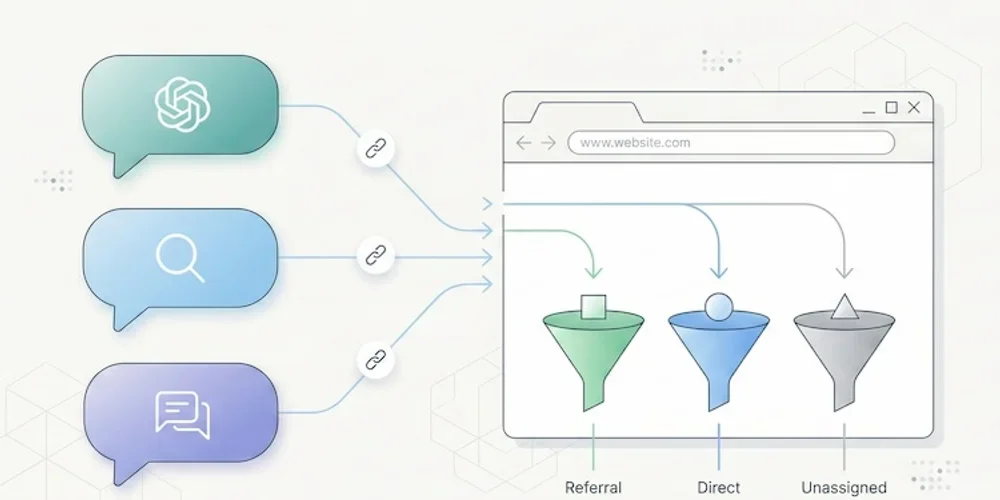
- Traffic from external assistants or conversational engines: sessions with identifiable source or referrer, when your analytics tool observes them.
- Useful actions: demo requests, signups, email clicks, downloads or key events.
This separation reduces overinterpretation. It also helps explain why a brand may be displayed more often without necessarily receiving more visits.
Useful content actions
Generative reports do not rewrite SEO fundamentals. Google states that SEO best practices remain relevant for appearing in generative AI features. Helpful, original, precise and non-commodity content remains more defensible than pages written only to fill a query pattern.
In practice, teams can:
- strengthen pages that answer a real business question;
- document sources and update dates;
- clarify definitions, limits and use cases;
- avoid generic paragraphs that could be replaced by any competitor;
- connect Search Console to web analytics without merging the metrics.
For a privacy-first analytics team, the key is readability. Measuring visibility in AI interfaces is useful only if it supports a decision: improving a page, correcting a diagnostic, adapting a report, or explaining why sessions do not grow at the same pace as impressions.
Checklist before making a claim
Before announcing a rise or drop linked to generative AI, check:
- that the report is available for the site;
- that the period is long enough;
- that the pages are strategically relevant;
- that impressions, clicks and sessions are separated;
- that countries and devices match the target market;
- that no known data anomaly explains the variation;
- that analytics attributes organic sessions correctly;
- that variations are put in context with content changes, seasonality and demand.
Conclusion
The new Search Console reports for generative AI are useful. They provide a clearer view into a part of Google Search that was previously difficult to isolate. But they should not be treated as automatic proof of traffic, authority or conversion.
The right reading is to treat them as a visibility signal, then carefully connect them to clicks and sessions. As search becomes more fragmented, teams need less slogan-driven reporting and more contextual measurement.
FAQ
Does the Search Console AI report measure visits?
No. It primarily reports search performance signals such as impressions and clicks. A visit should be confirmed in analytics when a user actually lands on the site.
Does a drop in AI impressions mean SEO visibility declined?
Not always. A change may come from real visibility, interface changes or a logging issue. The August 2026 anomaly is a reminder to check official notes before making a claim.
Should AI visibility have a separate monthly report?
At first, it is usually better to add a dedicated section to the existing SEO report. A separate report only makes sense when the volume and decisions attached to the signal become material.
Sources
- Google Search Central - Introducing Search Generative AI performance reports in Search Console
- Google Search Central - What are impressions, position, and clicks?
- Google Search Central - A new resource for optimizing for generative AI in Google Search
- Google Search Central - Data anomalies in Search Console