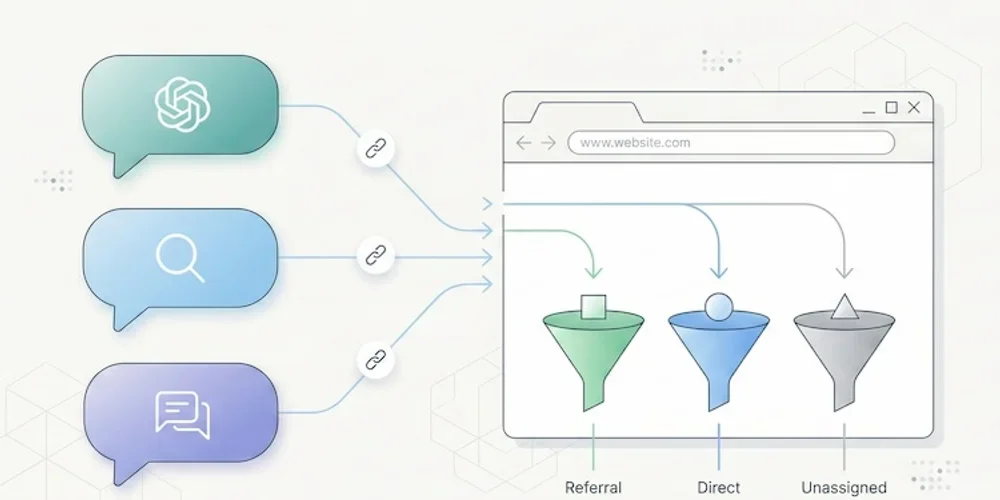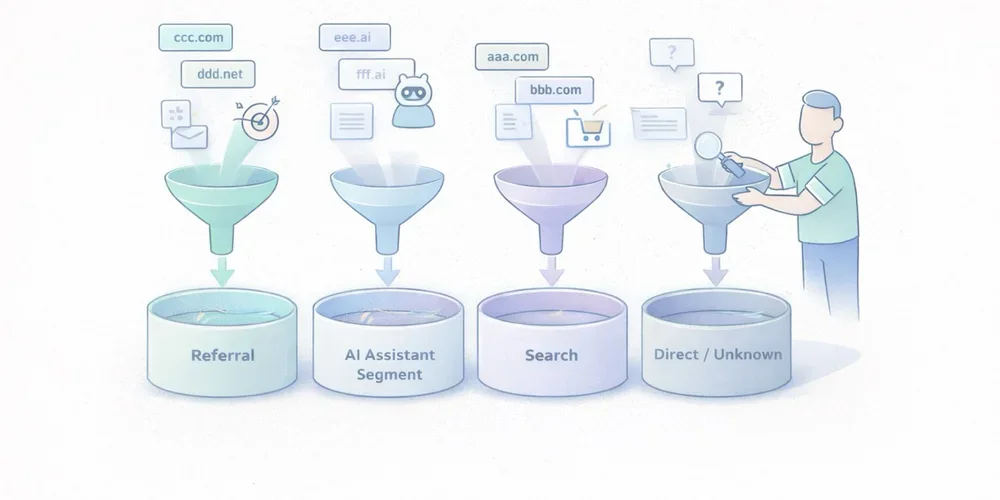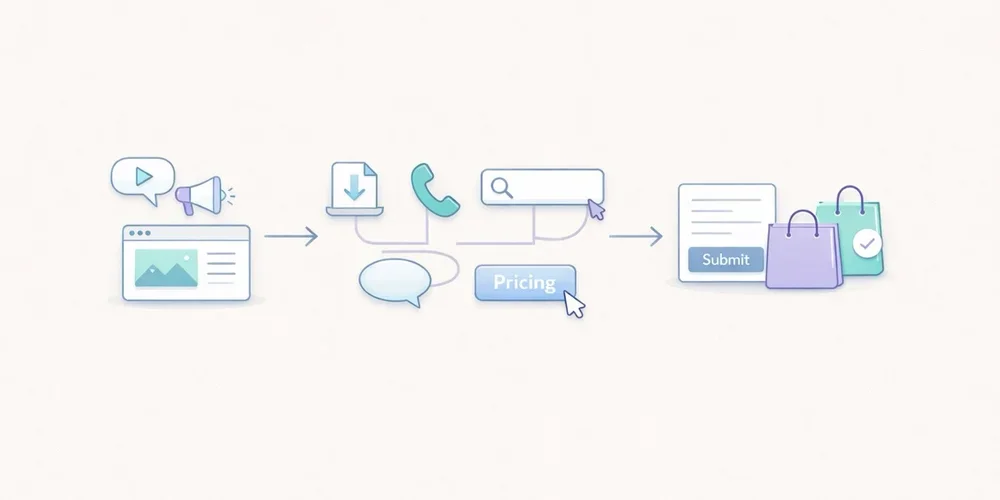
A tracker audit is not a cookie-counting exercise followed by a screenshot. Its purpose is more practical: to understand which components communicate with which services, when they do so, why they exist and what data they transmit.
That distinction matters. A site can set no HTTP cookie and still send information to third parties. Conversely, a cookie may be strictly necessary to deliver a feature requested by the visitor. The word “cookie” does not determine purpose, risk or the applicable legal rule.
For a small business, B2B SaaS team or multi-site operator, the useful output is not a fifty-page report. It is a reproducible inventory connected to owners, decisions and remediation work.
Keep one boundary clear from the start: a technical audit is not a legal opinion. It provides the facts needed to document the setup and support a qualified assessment.
What the audit should answer
By the end of the exercise, the team should be able to answer eight questions:
- Which scripts, pixels, SDKs and third-party resources load?
- Which cookies, local storage entries or identifiers are created?
- Which requests fire before the visitor makes a choice?
- What data appears in URLs, headers and request bodies?
- Which provider receives each data point?
- Which operational purpose justifies each component?
- How long are identifiers and collected data retained?
- Who can access, export or reconfigure the data?
This prevents a common failure mode: reviewing the banner while never testing what the website actually does.
European regulators use a technology-neutral understanding of trackers. It can include cookies, pixels, local storage and fingerprinting techniques. An empty cookie list is therefore not sufficient evidence that no tracking occurs.
Build a representative test scope
Testing the home page alone rarely gives a useful result. Components differ by template, journey and consent state.
Your sample should cover at least:
- the home page;
- a content page;
- a product or service page;
- a pricing page;
- a form;
- a confirmation page;
- an authenticated area, where applicable;
- a page embedding video, maps, chat or booking tools;
- a campaign URL with UTM parameters;
- major language versions or domains in a multi-site setup.
Test several states as well:
- first visit with no stored choice;
- reject all optional trackers;
- selective acceptance;
- accept all;
- returning visit with a saved choice;
- private browsing or a clean browser profile.
Add a dedicated scenario for sensitive areas. A customer portal, healthcare form, HR page or admin interface should not be treated like an ordinary editorial page.
A seven-step tracker audit
1. Start with a clean browser
Use a fresh browser profile without extensions that block or rewrite requests. Open developer tools before loading the page and preserve the network log.
Record:
- tested URL;
- date;
- browser and version;
- consent scenario;
- production or staging environment;
- person running the test.
This makes the audit reproducible and allows a reliable before-and-after comparison.
2. Inventory loaded components
In the Network panel, inspect scripts, images, fetch calls, XHR and documents. Record third-party domains and first-party-hosted files supplied by external vendors.
A script served from your domain is not necessarily operated by your team. Proxies, tag managers and CDNs can obscure the functional source.
For every component, capture:
| Field | Question |
|---|---|
| Component | Which script or service loads? |
| Owner | Which team requested it? |
| Provider | Who operates it? |
| Purpose | Measurement, support, security, advertising or media? |
| Trigger | Before choice, after acceptance or after an action? |
| Observed data | URL, referrer, IP, identifier or event? |
| Destination | Which domain and known processing region? |
| Decision | Keep, configure, defer or remove? |
Do not stop at the vendor name. The same company may provide products with very different data practices.
3. Inspect browser storage
Review:
- first-party and third-party cookies;
localStorage;sessionStorage;- IndexedDB;
- service workers;
- application caches where relevant.
For every entry, record its name, domain, lifetime, attributes and creation time. Secure, HttpOnly and SameSite are valuable security attributes, but they do not determine purpose or consent requirements by themselves.
Clear site data between scenarios. Otherwise, an identifier created during the “accept” test can contaminate the “reject” test.
4. Compare behaviour before and after a choice
Reload the same page in each state and compare:
- contacted domains;
- request count;
- created cookies;
- sent events;
- deferred scripts;
- calls triggered by interaction.
A tag may stay silent at first load and fire after scrolling, clicking or opening a widget. Test the important interactions, not only the initial page request.
For session replay, chat and personalisation tools, review masking and excluded areas. A minimal tracking plan is a useful reference point: collection should remain tied to a decision rather than the technical ability to record everything.
5. Inspect the transmitted payload
Open representative requests and examine:
- full URL;
- query parameters;
- request body;
- headers;
- referrer;
- persistent identifiers;
- event properties.
Look specifically for data that should not enter an analytics URL:
- email address;
- telephone number;
- name;
- customer ID;
- password-reset token;
- session token;
- free-form text;
- sensitive search query;
- case or account reference.
URLs are routinely copied into logs, browser history, observability systems and support tools. Data placed in a query string can spread far beyond the analytics product.
6. Connect technical findings to governance
The Network panel cannot answer every question. Review the vendor documentation and account settings:
- retention;
- hosting and subprocessors;
- international transfers;
- vendor reuse of data;
- sharing options;
- roles and access;
- exports;
- deletion;
- audit logs;
- multi-site configuration.
Where a team is considering a limited audience-measurement exemption, the actual configuration matters. Under the CNIL framework, the purpose must be strictly limited to audience measurement for the publisher, and the result must be anonymous statistics without cross-site tracking or data combination. The national rules and implementation need to be assessed for the relevant country.
7. Turn the inventory into work
Use four simple severity levels:
- Critical: sensitive data or tokens exposed, marketing tags firing after refusal, session identifiers in URLs.
- High: unknown provider, no internal owner, session replay on sensitive areas, uncontrolled retention.
- Medium: excessive lifetime, duplicate tags, unnecessary parameters, incomplete documentation.
- Low: naming cleanup, stale test tags, missing comments or weak evidence.
Every action needs an owner, due date and validation test. “Review later” is not a workable remediation item.
A 90-minute first pass
A small site can complete an effective initial review in one short workshop.
20 minutes: map the scope
List critical templates, expected tools and consent states.
30 minutes: observe
Inspect network and storage on three to five pages in the initial, reject and accept states.
20 minutes: reconcile
Compare observed domains with the consent interface, privacy notice, tag manager and vendor contracts.
20 minutes: decide
Remove ownerless components, open high-priority tickets and schedule deeper tests.
This does not replace a full assessment, but it often finds the most expensive issues: forgotten scripts, duplicate tags, personal data in URLs and premature firing.
Common audit mistakes
Treating a scanner as a conclusion
Automated tools help discover domains and cookies. They cannot always determine purpose, event context or contractual configuration. Their findings need manual verification.
Testing only “accept all”
The reject state is often the most informative test because it shows whether the visitor’s choice is actually enforced.
Ignoring first-party requests
A request sent to your own domain may still be proxied elsewhere or contain data that should not be collected.
Auditing production once
A new tag-manager rule, CMS plugin or marketing integration can change collection without a visible interface change. Lightweight quarterly reviews and pre-launch checks are more useful than one large annual exercise.
Producing a table with no owner
An inventory without decisions, owners or dates becomes stale quickly. Governance turns the audit into actual risk reduction.
The minimum evidence package
Keep four items:
- the component inventory;
- key evidence, such as screenshots or network exports;
- a decision log with rationale;
- remediation tasks and retest results.
Version the document. For multi-site teams, add a “web property” column and distinguish global components from local exceptions.
Conclusion
The goal is not to declare the site perfect. It is to explain what was observed at a given date, why each component exists and how gaps are being resolved.
FAQ
Does a cookieless site still need a tracker audit?
Yes. Pixels, network calls, local storage and identification techniques can operate without HTTP cookies. The audit must focus on data flows and purposes, not only cookies.
Are automated scanning tools enough?
No. They accelerate discovery but do not replace manual checks of trigger conditions, payloads, account settings and internal ownership.
Must every page be tested?
Not necessarily. Select a representative sample of templates, integrations, journeys and consent states, then test sensitive areas more deeply.
How often should the audit be repeated?
After material stack changes, before sensitive launches and on a cadence that matches the rate of change. For a small team, a lightweight quarterly review is often more realistic than a large yearly audit.
Does a technical audit prove GDPR compliance?
No. It documents technical facts. Compliance also depends on purposes, legal bases, contracts, transparency, individual rights and applicable national ePrivacy rules.
Sources
Sources checked on June 21, 2026.
- CNIL, Cookies and trackers: what does the law say?
- CNIL, Cookies and audience measurement solutions
- CNIL, public consultation on session replay, February 25, 2026
- EDPB, Guidelines 2/2023 on the technical scope of Article 5(3) of the ePrivacy Directive
- Chrome for Developers, Network panel reference
- OWASP, Information exposure through query strings in URL